MUBI
Sreaming Player
Led the design of the full revamp of Mubi’s player, cross-devices with TV’s included, in order to add new content warning, lock and pre-roll features on a unified experience cross platforms.
Challenge
Previously, MUBI maintained a separate video player experience for each platform (Android TV, Roku, web, Web TVs), resulting in a fragmented and inconsistent user experience, as well as a lack of visual and brand cohesion across devices.
As new features began to emerge; such as content warnings or the introduction of pre-roll content; the need to rethink the player experience in a unified, cross-platform approach became evident.
Players represent one of the most frequently used and complex products, requiring the simultaneous consideration of three distinct navigation paradigms: touch-based interactions (mobile/tablet), pointer-driven navigation (desktop), and remote control input (TV).
This convergence of constraints made it particularly challenging.
Process
Benchmark
Conducted a competitive benchmark across major streaming platforms, including Netflix, Amazon Prime Video, Hulu, Plex, YouTube, Disney+, and Apple TV, to identify common design patterns and user expectations.
Mapping
Mapped out all the elements and features required on this player to establish a clear information hierarchy and a logical navigation flow for the user.
Prototype
Prototyped multiple design solutions to test them on supports that closely replicate real-world sensations, via quick internal user tests.
Alignment
Validated the final design with various stakeholders and delivered a comprehensive flow documenting the full user experience across all states and interactions.
Information mapping
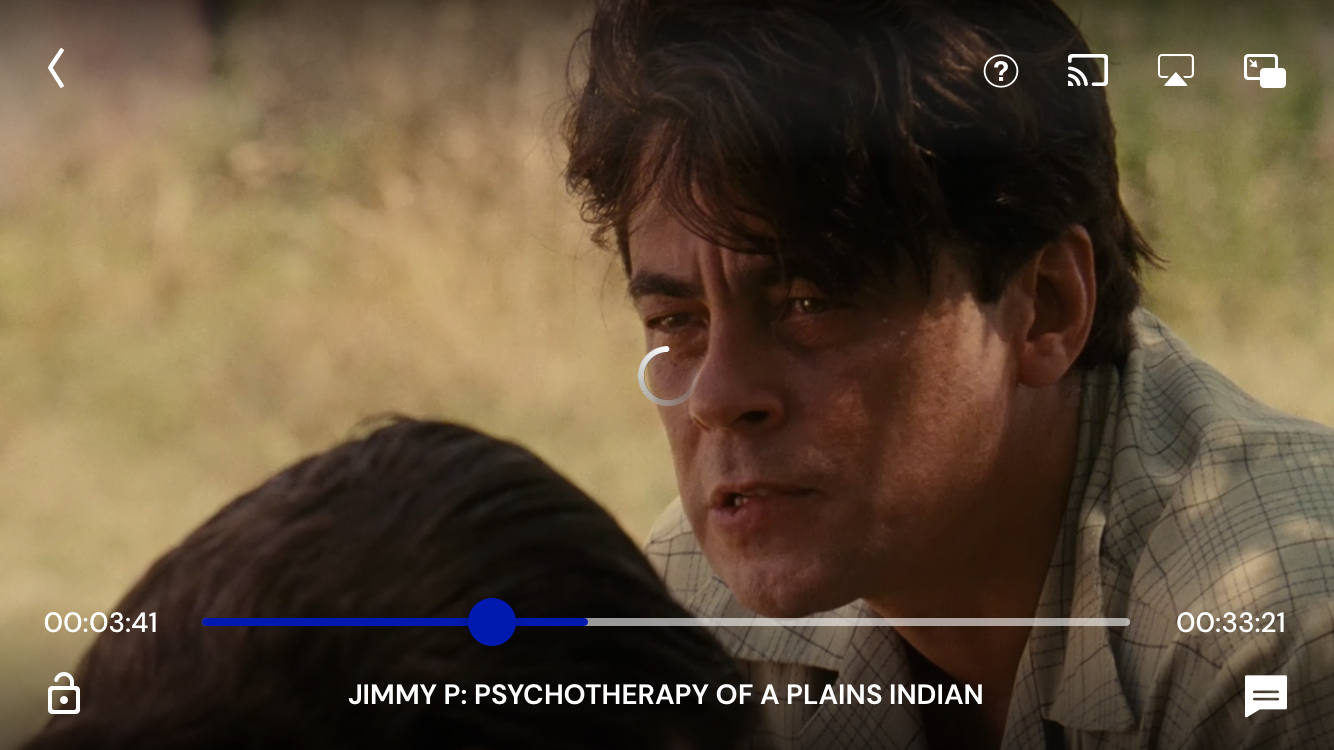
To establish a clear hierarchy of content and actions, I've conducted an information mapping exercise. This process revealed that mobile and TV required distinct approaches.
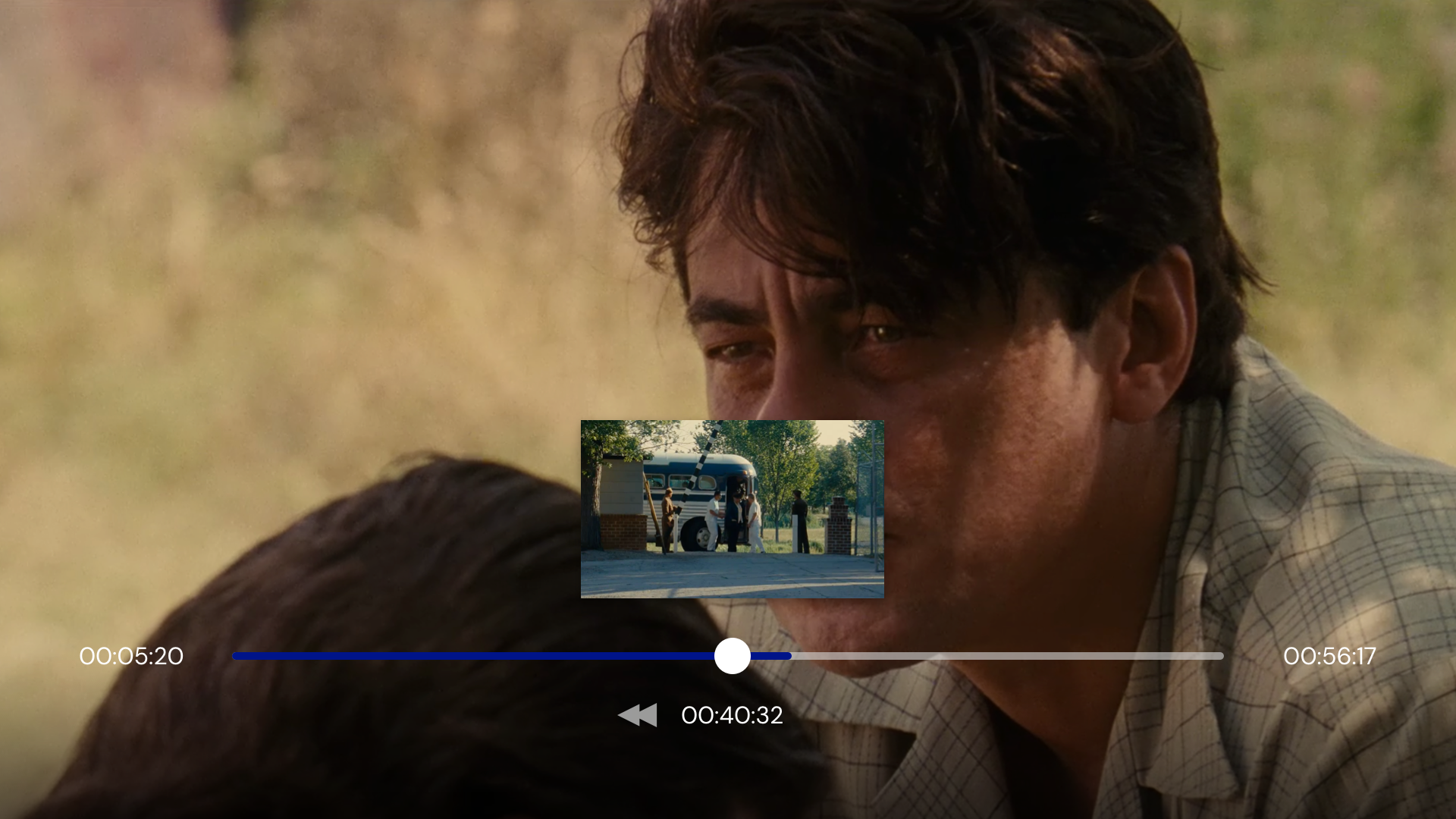
First, the available actions differ between platforms, such as cast, picture-in-picture, screen lock, and seeking shortcuts, based on context.
Second, touch-based navigation allows users to reach any action easily, while remote control navigation on TV requires multiple clicks to move between elements, making proximity critical.
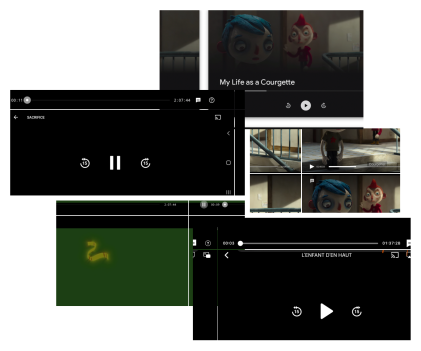
Third, mobile follows established layout conventions patterns, such as the back button in the top left corner or the play/pause centered on screen.
For these reasons, I placed the main user actions, including screen lock and language settings, at the bottom of the screen on mobile, taking full advantage of touch accessibility. On TV, I anchored direct playback actions at the bottom, while secondary actions are accessible from the top left corner, keeping the navigation efficient.
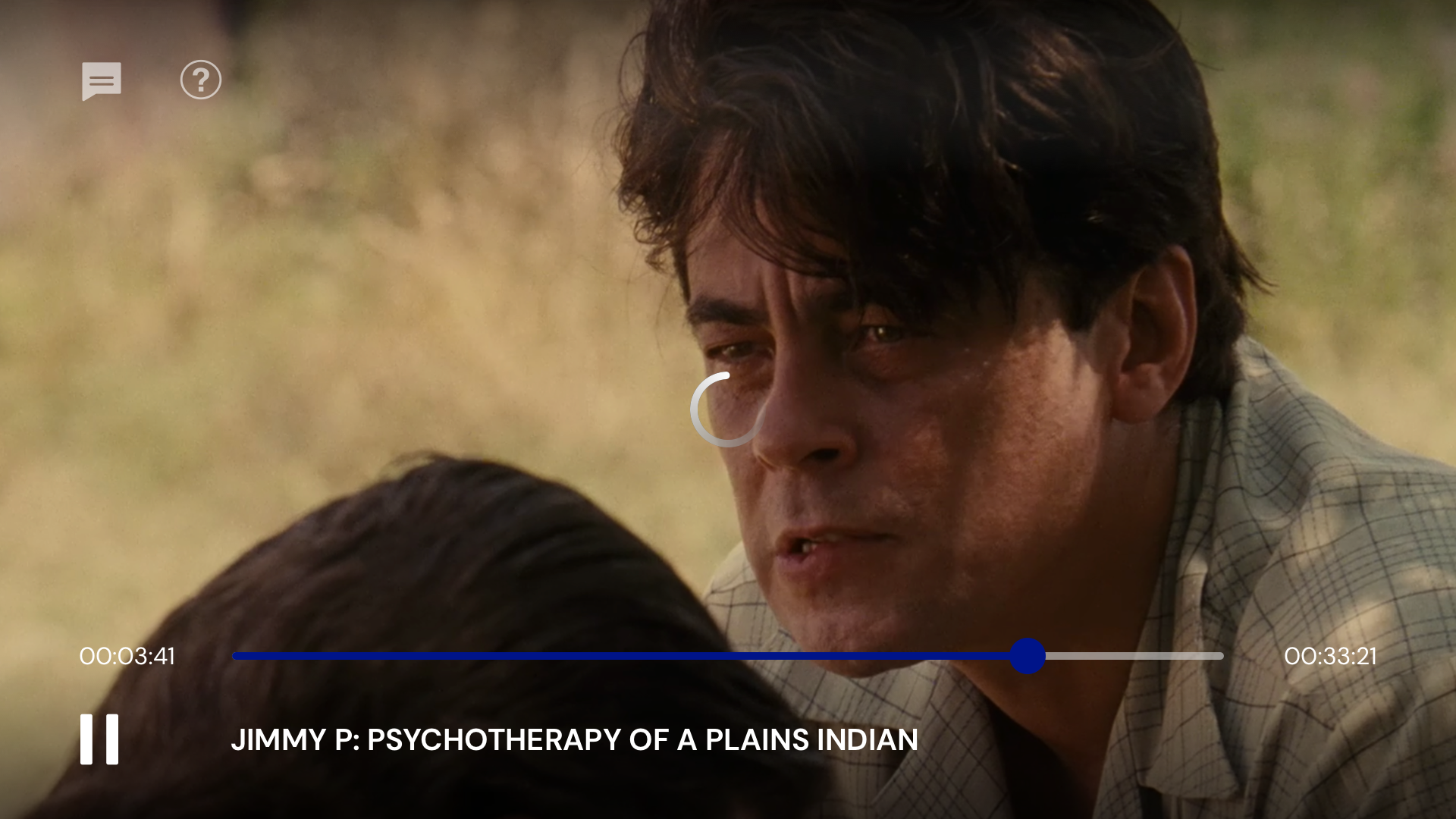
TV player
Mobile player
Features
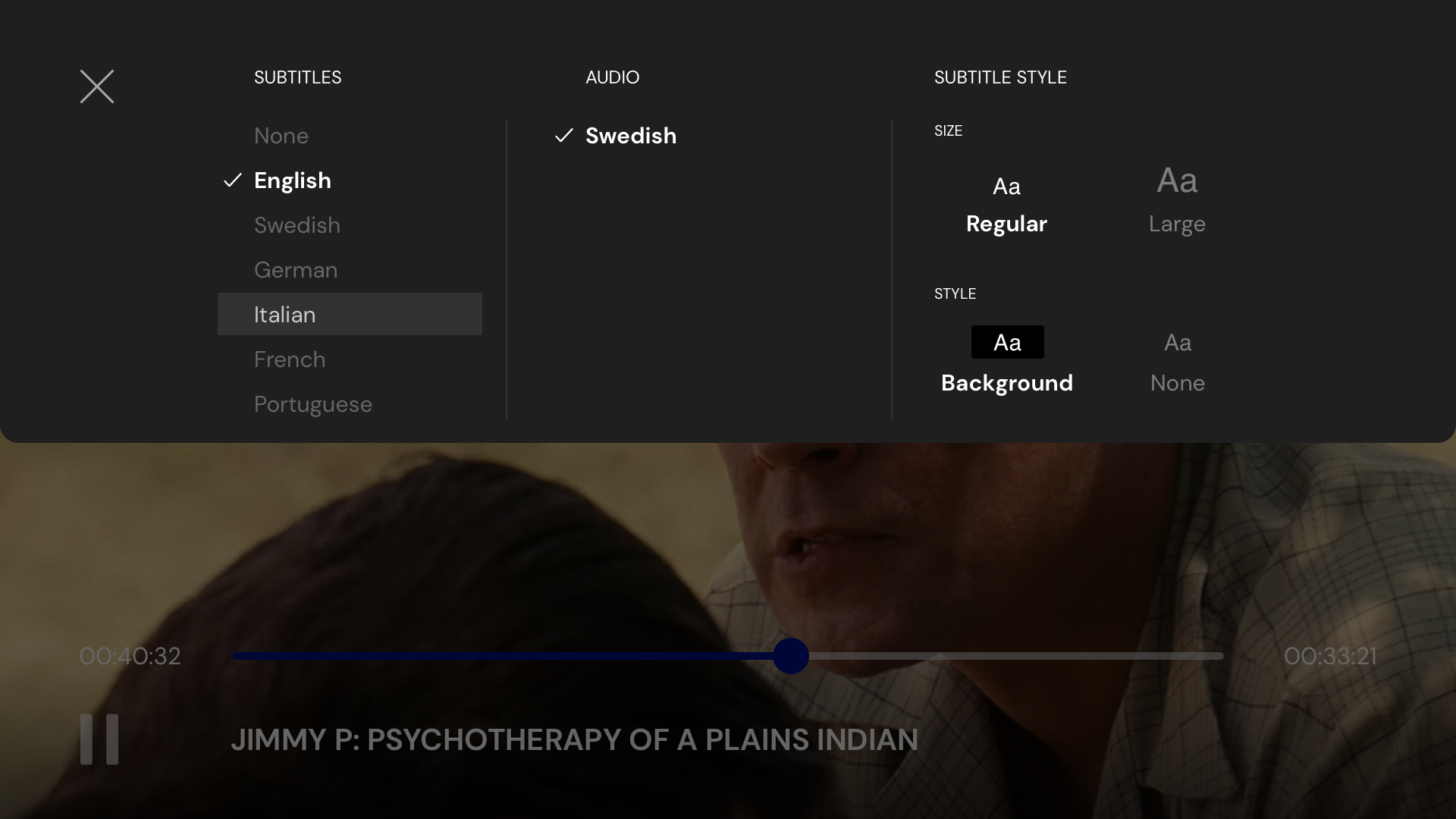
Languages and subtitle management
This feature allows users to switch audio language, toggle subtitles, and customize subtitle appearance, including text size and background, to improve readability across viewing conditions.
The UX challenge was organizing three layers of settings into a single, accessible menu without overwhelming the user.
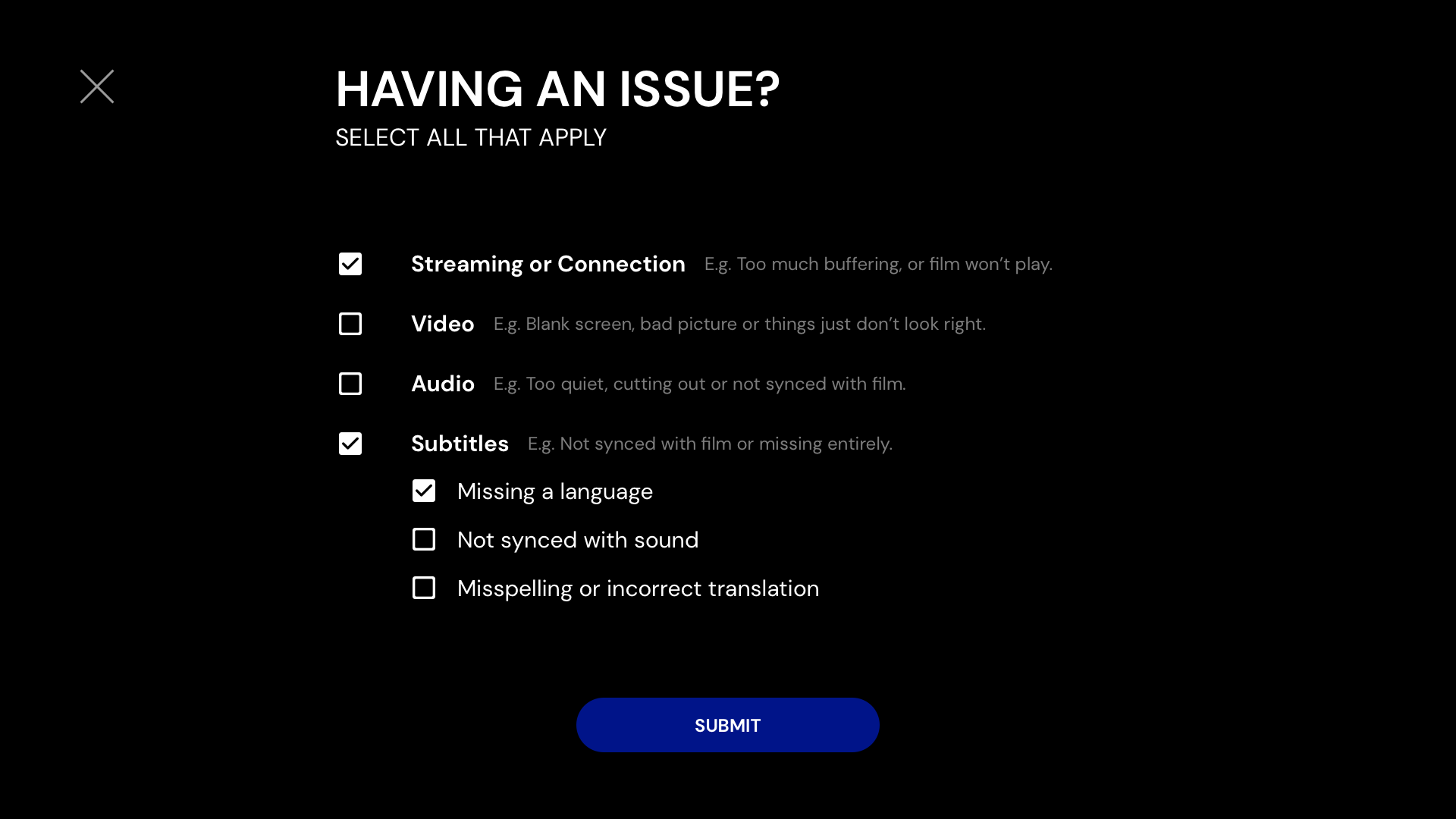
Issue reporting
This feature allows users to report playback issues directly from the player, such as streaming quality problems or missing subtitles.
The UX challenge was designing a visible and readable overlay without feeling disruptive to the overall experience.
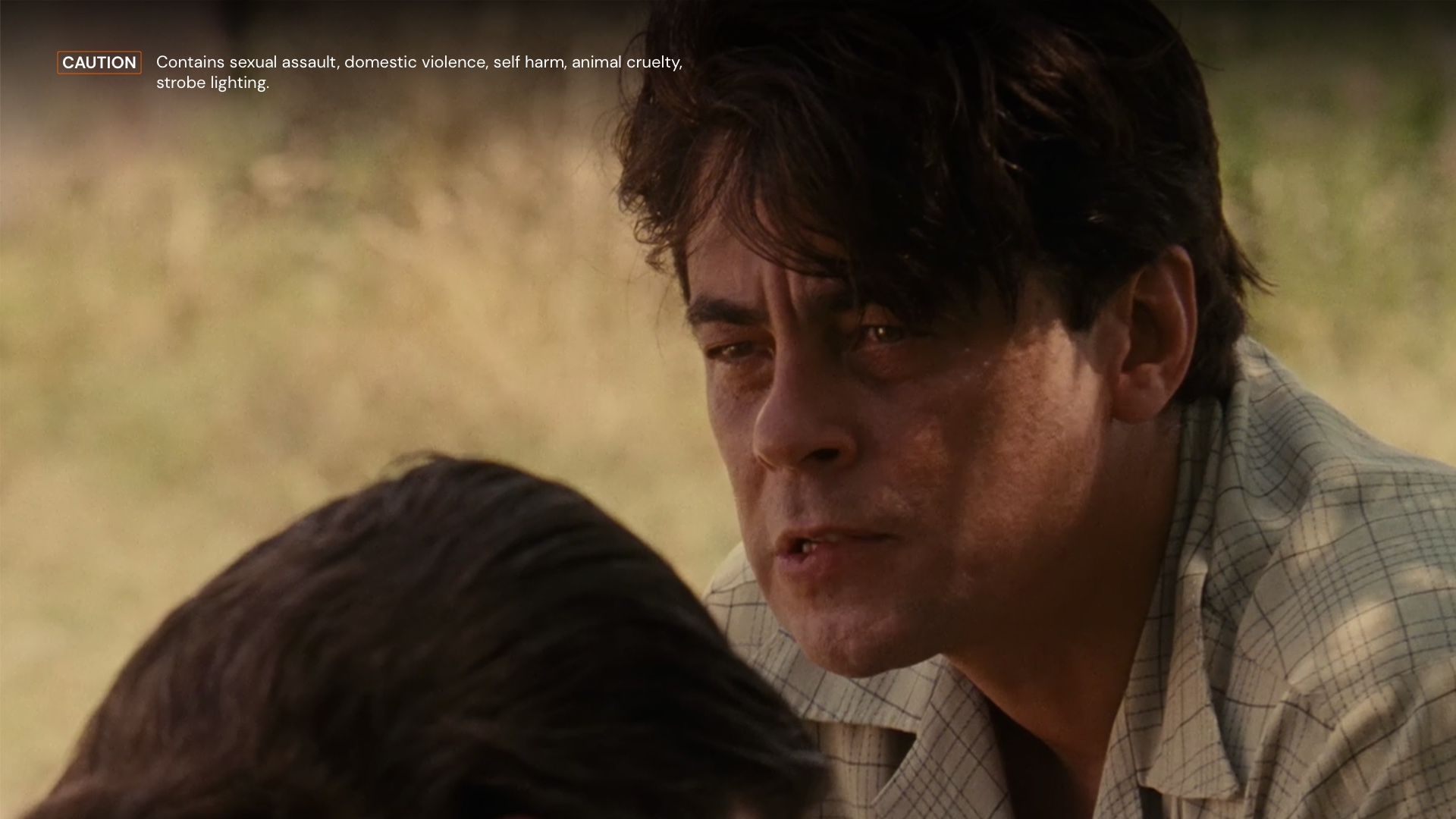
Content warning
A legal requirement designed to protect younger audiences, this feature displays a warning message on top of the video for a few seconds when playback starts. It covers three severity levels, general, caution, and warning, each with a specific associated message.
The UX challenge was making the option discoverable without cluttering the player interface.
Pre-roll
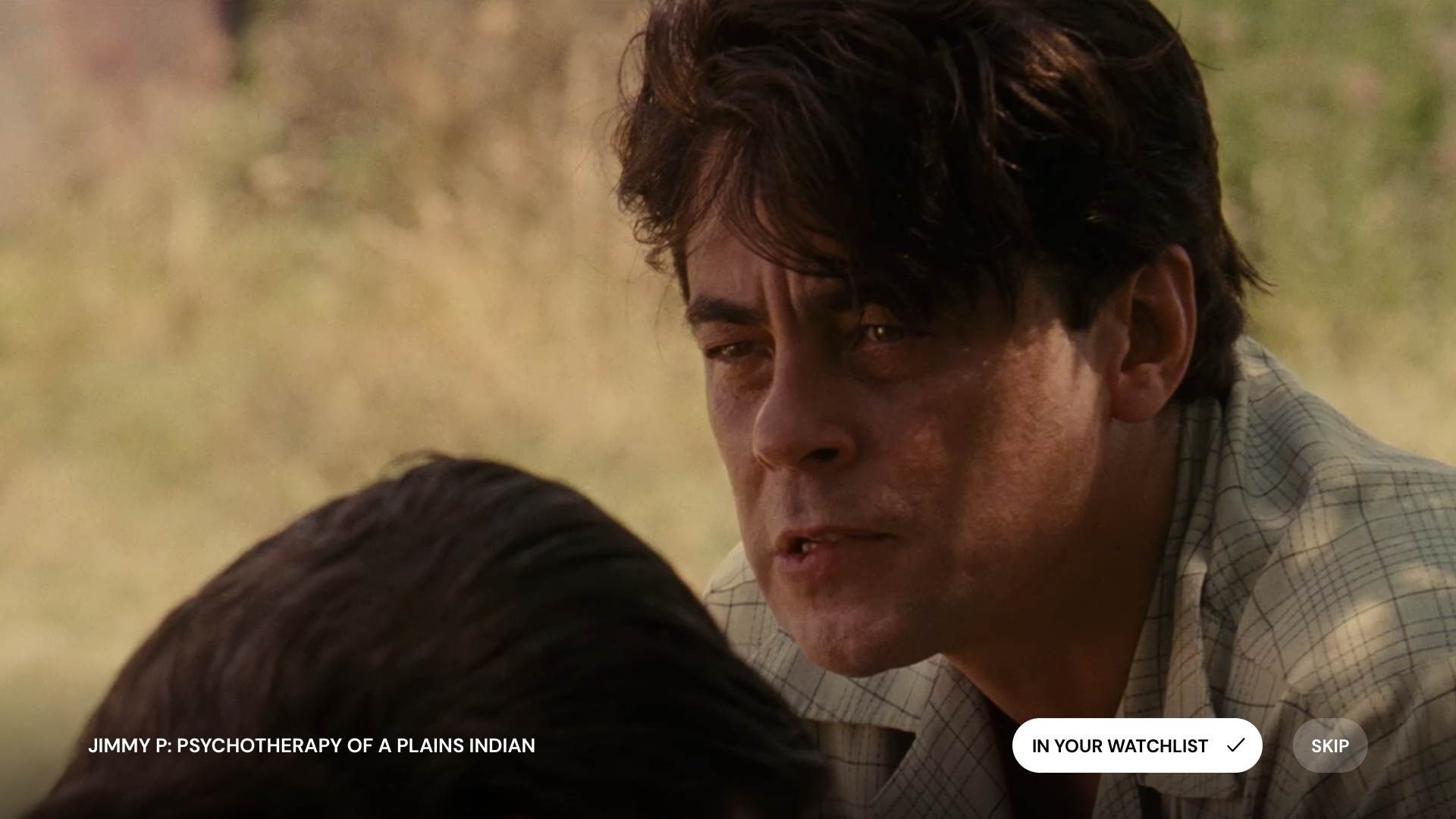
This feature introduces a short marketing video before the main content, used to highlight new arrivals on the platform.
Lock and unlock
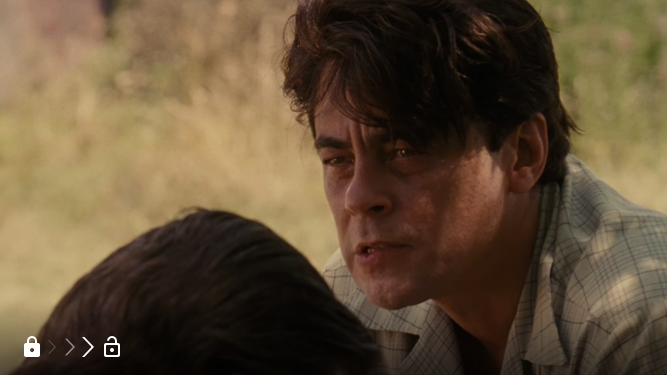
This feature allows users to lock the screen during playback, preventing accidental touches while watching on the go, such as in a subway or commute context.
The UX challenge was making the lock easy to activate and deactivate without risking accidental triggering in either direction.
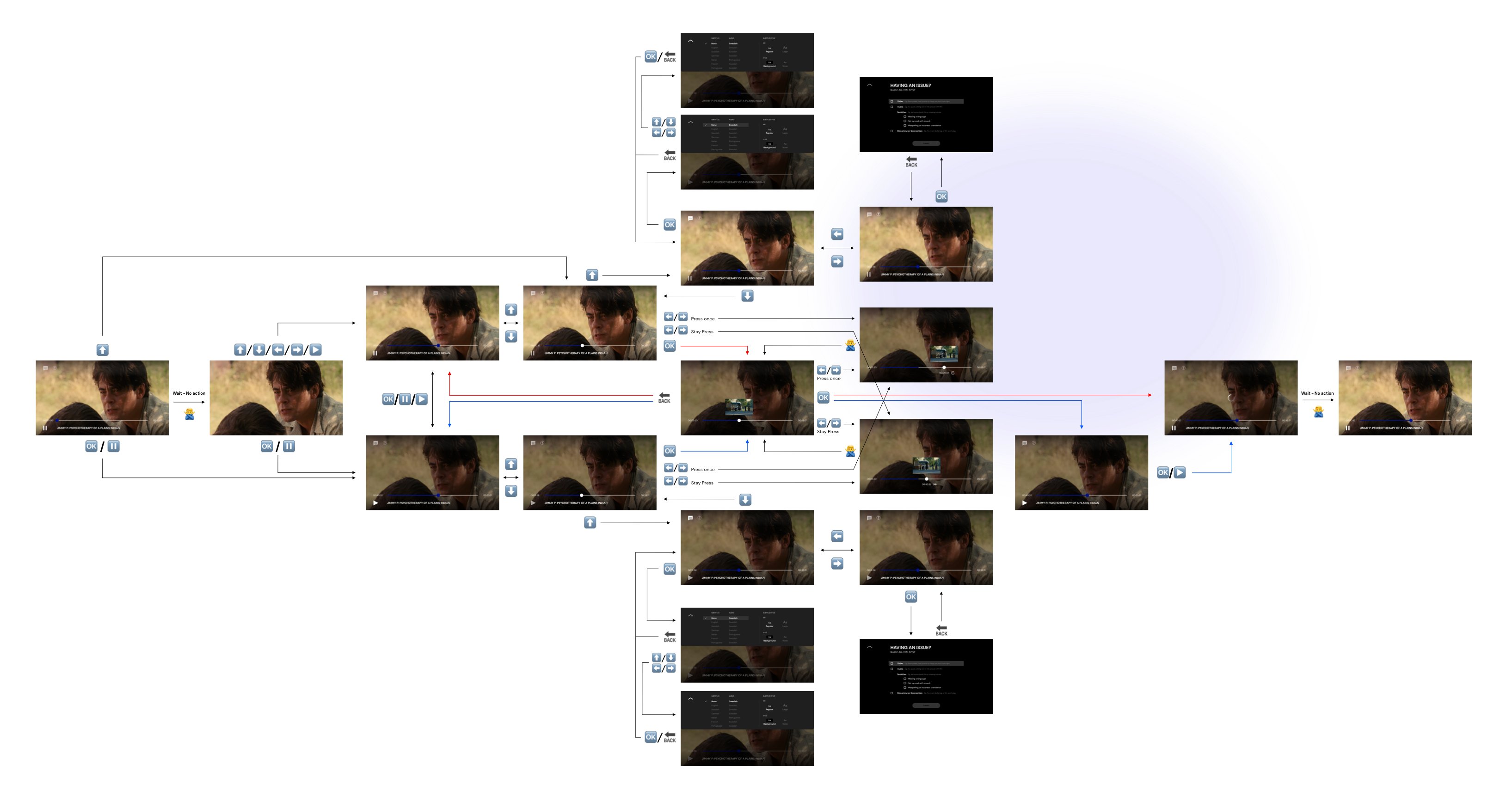
Navigation Flow
I finalized my process by creating navigation flows, highlighting the difficulty of designing complex product for specific devices.
While one remote control can include a button for each different action; such as play, pause or back; others group actions behind a single one.